Source code is one of the most valuable assets within any software organization. It represents intellectual property, business logic, application functionality, and countless hours of development effort. Alongside source code, organizations also manage design files, configuration scripts, deployment templates, documentation, test data, and infrastructure definitions that are equally critical to project success.
As development workflows increasingly move to cloud environments and distributed teams become the norm, protecting development assets has become more challenging than ever. Cybercriminals actively target code repositories, build pipelines, and developer environments because a single compromise can expose sensitive data, cloud credentials, customer information, and proprietary software.
A secure storage strategy goes beyond simply saving files. It involves controlling access, maintaining backups, encrypting sensitive information, monitoring changes, and preparing for disaster recovery scenarios. This guide explores the most effective practices for storing source code and development assets securely while maintaining collaboration and productivity.
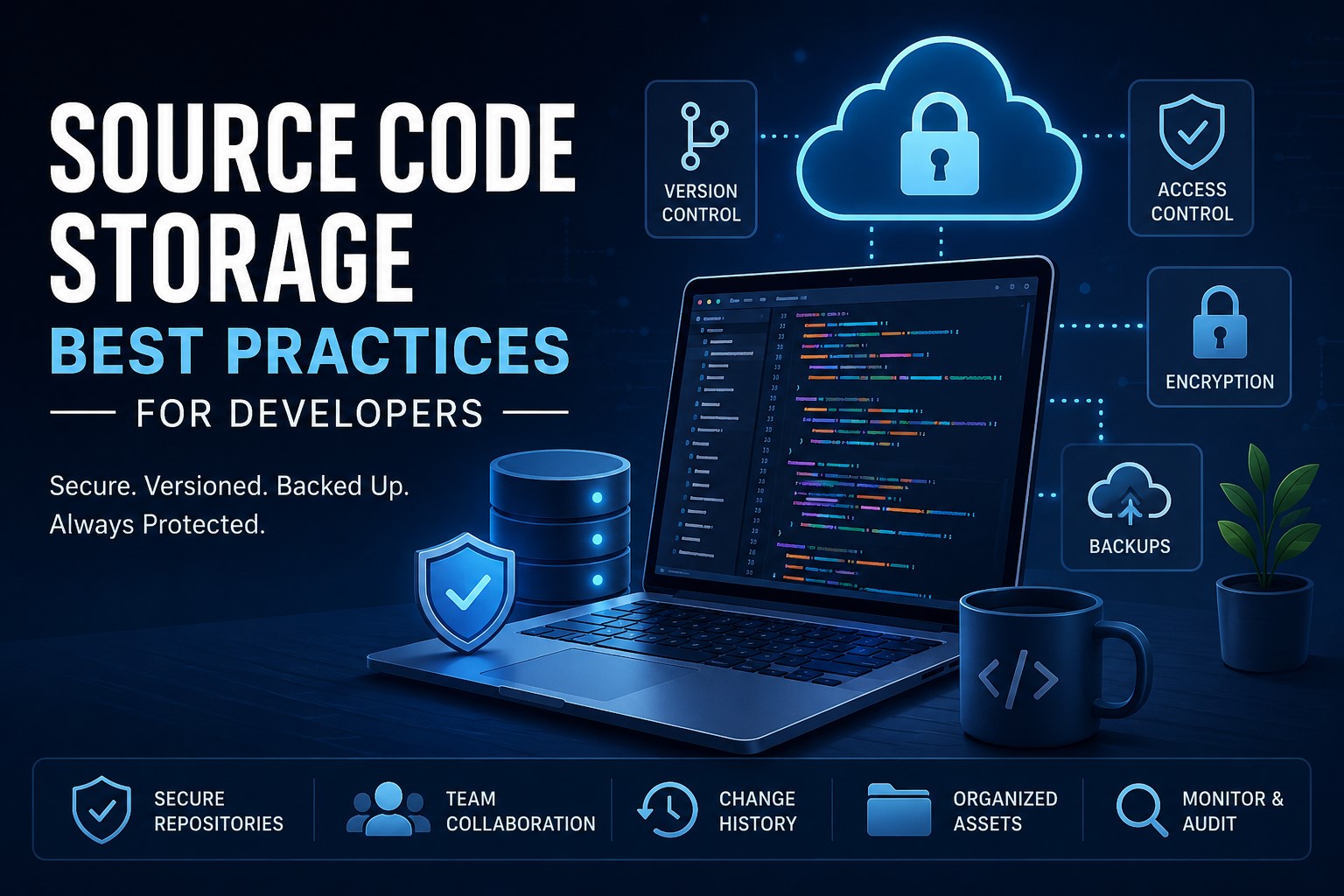
Why Secure Source Code Storage Matters
The consequences of losing or exposing source code can be severe. Organizations may face:
- Intellectual property theft
- Financial losses
- Regulatory compliance violations
- Service disruptions
- Delayed product releases
- Reputational damage
Modern development environments often contain more than application code. Repositories may include deployment scripts, infrastructure configurations, API definitions, container files, and automated workflows. Without proper safeguards, these assets can become entry points for attackers.
Implementing a comprehensive storage strategy helps organizations maintain security, compliance, and business continuity.
Using Version Control Systems for Secure Development
Version control systems are the foundation of secure source code management. Tools such as Git enable teams to track changes, collaborate efficiently, and maintain a complete history of project development.
A properly managed repository provides several advantages:
- Full change history
- Easy rollback to previous versions
- Branch-based development
- Team collaboration
- Auditability and accountability
Instead of modifying files directly in production branches, developers can work in feature branches and merge changes only after review. This reduces the risk of accidental modifications and helps maintain code quality.
Version control systems also simplify recovery when files are accidentally deleted or corrupted. Rather than recreating work, teams can restore previous versions from the repository history.
Git Repository Security Best Practices
Using Git alone does not guarantee security. Organizations should implement repository-level protections to reduce risks.
Enable Branch Protection Rules
Protected branches prevent unauthorized modifications to critical codebases. Teams should require:
- Pull request approvals
- Successful build verification
- Code reviews
- Status checks before merging
Use Signed Commits
Digitally signed commits help verify that changes originate from trusted developers and have not been tampered with.
Maintain Repository Audit Logs
Audit logs provide visibility into:
- Repository access
- Permission changes
- Branch modifications
- Administrative actions
Regular log reviews can help identify suspicious activities before they become security incidents.
Limit Administrative Access
Administrative permissions should be restricted to a small group of trusted individuals. Following the principle of least privilege reduces the risk of accidental or malicious changes.
Implementing Strong Access Control
Access control is one of the most effective methods for protecting development assets.
Not every team member requires full access to every repository. Permissions should be assigned based on job responsibilities and business needs.
Common access levels include:
- Read-only access
- Contributor access
- Maintainer access
- Administrative access
Organizations should perform regular access reviews to ensure former employees, contractors, and temporary collaborators no longer have repository access.
Enable Multi-Factor Authentication
Multi-factor authentication (MFA) adds an additional layer of protection beyond passwords.
Even if credentials are compromised, attackers cannot easily gain access without the second authentication factor.
Organizations should enforce MFA across:
- Git platforms
- Cloud storage services
- CI/CD systems
- Developer portals
Creating Reliable Backup Strategies
Although version control systems maintain file histories, they should not be considered complete backup solutions.
Repositories themselves can become unavailable due to:
- Hardware failures
- Service outages
- Accidental deletions
- Cyberattacks
- Ransomware incidents
A strong backup strategy follows the 3-2-1 rule:
- Three copies of data
- Two different storage media
- One offsite backup
Development teams often combine:
- Local backups
- Cloud backups
- Repository exports
- Archive snapshots
Automated backup processes reduce human error and ensure recovery points remain current.
Securing Cloud Storage Environments
Cloud platforms provide scalability and accessibility, but misconfigured environments remain one of the most common causes of data exposure. Unlimited cloud storage offers development teams the flexibility to store growing volumes of source code, repositories, build artifacts, and project assets without worrying about capacity limits.
Organizations should implement the following controls:
Encrypt Data at Rest
Encryption protects stored files from unauthorized access if storage systems are compromised.
Encrypt Data in Transit
All communication should use secure protocols such as:
- HTTPS
- TLS
- SFTP
- SSH
Restrict Public Sharing
Publicly accessible repositories and storage links can unintentionally expose sensitive development assets.
Regular permission audits help identify and eliminate unnecessary exposure.
Monitor Cloud Activity
Cloud monitoring tools should track:
- File access attempts
- Permission changes
- Large downloads
- Unusual login behavior
Early detection significantly reduces security risks.
Protecting Sensitive Information with Secret Management
One of the most common development security mistakes is storing secrets directly in repositories.
Examples include:
- API keys
- Database passwords
- Encryption keys
- Cloud credentials
- OAuth tokens
Once exposed, attackers can gain access to critical systems.
Use Secret Management Platforms
Dedicated secret management solutions securely store and rotate credentials.
Best practices include:
- Automatic secret rotation
- Access logging
- Role-based access control
- Temporary credential generation
Remove Secrets from Code
Configuration values should be loaded from secure environments rather than embedded directly within source files.
This approach improves both security and maintainability.
Using Secret Scanning Tools
Manual reviews are not always sufficient to identify exposed credentials.
Automated secret scanning tools continuously inspect repositories for sensitive information.
These tools can detect:
- API tokens
- Cloud access keys
- Database connection strings
- Private certificates
- Authentication secrets
Benefits include:
- Faster detection
- Reduced human error
- Continuous monitoring
- Improved compliance
Organizations should integrate secret scanning into their development lifecycle to prevent accidental exposures before code reaches production.
Securing CI/CD Pipelines and Build Assets
Modern applications rely heavily on Continuous Integration and Continuous Delivery (CI/CD) pipelines.
While these systems improve development speed, they also create new attack surfaces.
Compromised pipelines can:
- Inject malicious code
- Steal credentials
- Deploy unauthorized software
- Modify production environments
CI/CD Security Best Practices
Development teams should:
- Protect build servers
- Encrypt pipeline secrets
- Restrict deployment permissions
- Verify third-party dependencies
- Monitor pipeline activity
Build artifacts should be stored securely and verified before deployment.
Implementing approval workflows for production releases adds another layer of protection.
Protecting Infrastructure-as-Code Assets
Infrastructure-as-Code (IaC) has become a core component of modern software delivery.
Technologies such as Terraform, ARM templates, Kubernetes manifests, and CloudFormation templates define critical infrastructure through code.
Because these files control cloud resources and networking configurations, they require the same level of protection as application source code.
Infrastructure-as-Code Security Practices
Organizations should:
- Store IaC files in version control systems
- Review infrastructure changes through pull requests
- Scan templates for security vulnerabilities
- Separate sensitive configurations from code
- Monitor infrastructure modifications
Securing IaC assets reduces the risk of cloud misconfigurations and unauthorized infrastructure changes.
Organizing Development Assets Effectively
Security is easier to maintain when files are organized consistently.
A structured repository hierarchy improves:
- Discoverability
- Collaboration
- Documentation
- Maintenance
Development assets may include:
- Source code
- Design files
- Documentation
- Build scripts
- Infrastructure templates
- Test assets
Consistent naming conventions and folder structures reduce confusion and help teams manage projects more efficiently.
Maintaining Asset Integrity
Protecting files from unauthorized modification is just as important as preventing unauthorized access.
Integrity monitoring systems can detect:
- Unexpected file changes
- Unauthorized commits
- Script modifications
- Configuration tampering
Implement Mandatory Code Reviews
Code review processes create checkpoints before changes reach production.
Benefits include:
- Improved code quality
- Better security oversight
- Knowledge sharing
- Early detection of vulnerabilities
Combining code reviews with automated testing further reduces risk.
Applying Zero Trust Principles to Development Environments
Traditional security models often assume that users inside a network can be trusted.
Zero Trust takes the opposite approach: trust nothing and verify everything.
This model is increasingly important for remote and cloud-based development environments.

Key Zero Trust Principles
Least Privilege Access
Users receive only the permissions required to perform their duties.
Continuous Verification
Access requests are continuously evaluated based on identity and risk.
Device Validation
Only trusted and compliant devices can access repositories and development resources.
Identity-Centric Security
Security decisions are based on verified identities rather than network location.
Implementing Zero Trust significantly reduces the attack surface for development assets.
Implementing Encryption Everywhere
Encryption remains one of the most effective security controls available.
Development assets should be encrypted:
- On developer devices
- On backup systems
- Within cloud storage
- During file transfers
Even if physical devices are stolen or storage systems are compromised, encrypted data remains inaccessible without proper credentials.
Organizations should also regularly review encryption standards to ensure compliance with modern security requirements.
Preparing for Disaster Recovery
Hardware failures, natural disasters, ransomware attacks, and cloud outages can interrupt software development activities.
A documented disaster recovery plan helps organizations restore operations quickly.
Recovery plans should include:
- Repository restoration procedures
- Backup verification steps
- Emergency contacts
- Recovery time objectives (RTO)
- Recovery point objectives (RPO)
Regular testing is critical. An untested recovery plan may fail when it is needed most.
Monitoring and Auditing Storage Security
Continuous monitoring provides visibility into repository activity and potential security threats.
Organizations should monitor:
- Login attempts
- Permission changes
- Repository cloning
- Large file downloads
- Failed authentication attempts
Security alerts help teams respond quickly to unusual events.
Audit trails are equally important for:
- Compliance requirements
- Incident investigations
- Internal governance
- Security assessments
Monitoring transforms security from a reactive process into a proactive one.
Comparison of Source Code Storage Methods
| Storage Method | Security Level | Collaboration | Backup Capability | Best For |
|---|---|---|---|---|
| Local Storage | Low | Limited | Manual | Individual developers |
| Shared Network Drive | Medium | Moderate | Moderate | Small teams |
| Self-Hosted Git Repository | High | Excellent | Strong | Organizations requiring full control |
| Cloud Git Platforms | Very High | Excellent | Excellent | Modern development teams |
| Enterprise DevOps Platforms | Very High | Excellent | Excellent | Large enterprises and regulated industries |
Frequently Asked Questions
Is Git a backup solution?
No. Git tracks code changes and maintains history, but it should not replace dedicated backup systems. Organizations should maintain independent backups of repositories and development assets.
Should source code be encrypted?
Yes. Source code should be encrypted both at rest and in transit to protect intellectual property and sensitive project information.
Where should API keys and passwords be stored?
API keys, passwords, and secrets should be stored in dedicated secret management platforms rather than directly inside source code repositories.
How often should repositories be backed up?
Critical repositories should be backed up daily or continuously, depending on business requirements and acceptable recovery objectives.
What is the biggest security risk for source code repositories?
Common risks include exposed credentials, excessive permissions, misconfigured cloud storage, compromised developer accounts, and insecure CI/CD pipelines.
Conclusion
Secure source code storage is a critical component of modern software development. Protecting repositories requires much more than version control alone. Organizations must combine Git security, access management, encryption, backup strategies, secret management, CI/CD security, Infrastructure-as-Code protection, and Zero Trust principles to safeguard valuable development assets.
By implementing strong security controls, monitoring repository activity, and regularly testing recovery procedures, development teams can protect their intellectual property, maintain compliance, and ensure business continuity. A comprehensive storage strategy not only reduces security risks but also enables teams to collaborate efficiently and deliver software with confidence.